Jamming with JAM_BOT – an AI musician

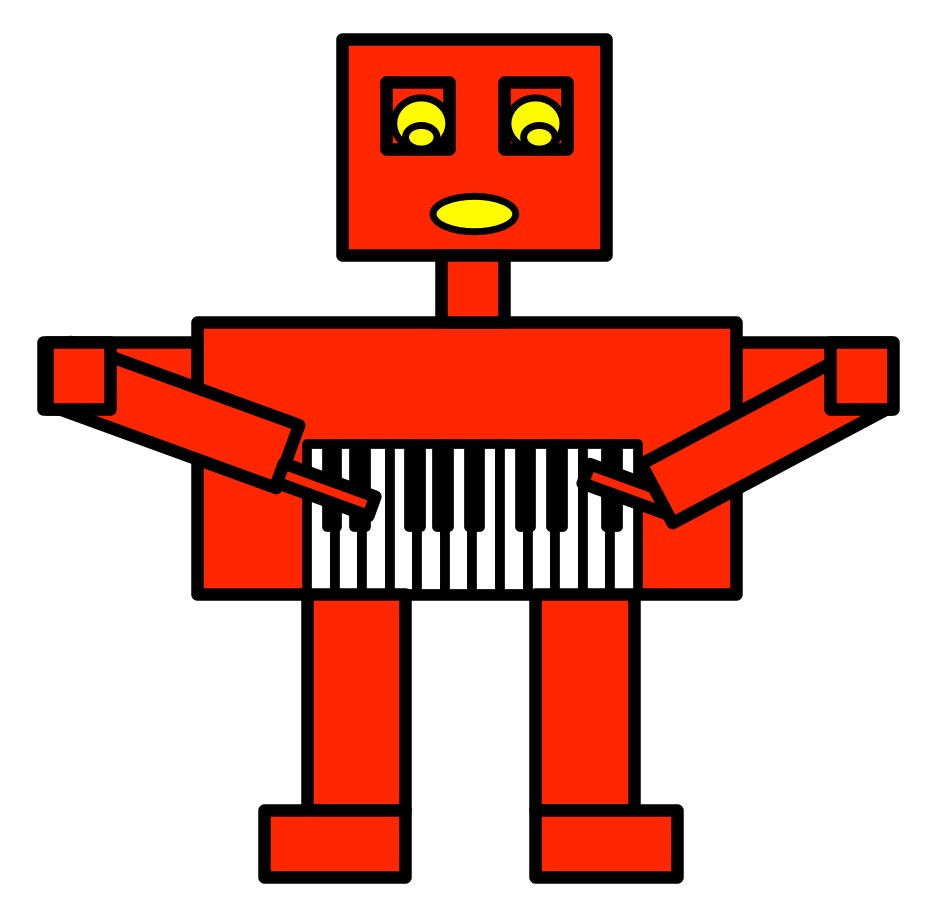
A robot with a keyboard stomach playing the keyboard.
Image by CS4FN

Jordan Rudess is a rock keyboard player whose concerts sell out around the world. He works with a team of computer scientists at the MIT Media Labto make his synthesisers do amazing things. Together they created an AI musician called JAM_BOT to play with him on-stage.

Jordan’s bot learnt the different ways he plays by the team giving it lots of his music. It learned about the rhythms and melodies he uses. It could then compose its own versions of his music when prompted.

JAM_BOT AI plays along on-stage

Jordan also trained JAM_BOT to play with him. It could carry on playing music that Jordan had started, or create a backing track to music he was currently playing. Jordan was able to choose how JAM_BOT played with him on stage using the keys on his keyboard.

What happened next?

The resulting concert was a mix of performer and AI with a delighted audience (and computer science team). Afterwards Jordan said “It’s been pretty mind-blowing to create this tech-based version of myself – like looking into a real-time musical mirror.”

Jo Brodie and Paul Curzon, Queen Mary University of London

More on …

  • A model of virtuosity (2024) MIT News [EXTERNAL]
    • Acclaimed keyboardist Jordan Rudess’s collaboration with the MIT Media Lab culminates in live improvisation between an AI “jam_bot” and the artist.

We have LOTS of articles about music, audio and computer science. Have a look in these themed portals for more:

Getting Technical


The Music and AI pages are sponsored by the EPSRC (UKRI3024: DA EPSRC university doctoral landscape award additional funding 2025 – Queen Mary University of London).

Subscribe to be notified whenever we publish a new post to the CS4FN blog.


Can a program beatbox (using physics)?

A rapper
Image by Casey Budd from Pixabay

Can a translation program make music? It turns out they potentially can – they can beatbox! In the future perhaps Artificial Intelligences will be able to do creative beatboxing the way human beatboxers do.

Beatboxing is a kind of vocal percussion used in hip hop music. It mainly involves creating drumbeats, rhythm, and musical sounds using your mouth, lips, tongue and voice. So how on earth can Google Translate do that? Well a cunning blogger worked out a way. Once on the Google Translate page they first set it to translate from German into German (which you could do then). Next they typed the following into the translate box: pv zk pv pv zk pv zk kz zk pv pv pv zk pv zk zk pzk pzk pvzkpkzvpvzk kkkkkk bsch; Then when they clicked on the “Listen” button to hear this spoken in German. Google translate beatboxed.

So how do programs like Google Translate that turn text into speech do it? The technology that makes this possible is called ‘speech synthesis’: the artificial production of human speech.

Originally, to synthesise speech from text, words are first mapped to the way they are pronounced using special pronunciation (‘phonetic’) dictionaries – one for each language you want to speak. The ‘Carnegie Mellon University Pronouncing Dictionary’ is a dictionary for North American English, for example. It contains over 125 000 words and their phonetic versions. Speech is about more than the sounds of the words though. Rhythm, stress, and intonation matter too. To get these right, the way the words are grouped into phrases and sentences has to be taken into account as the way a word is spoken depends on those around it.

There are several ways to generate synthesised speech given its pronunciation and information about rhythm and so on. One is simply to glue together pieces of pre-recorded speech that have been recorded when spoken by a person. Machine learning provides a new way to do it – machine learning programs are trained on vast amounts of recorded speech and learn the natural way humans speak from listening to humans actually speak. That gives a way to overcome the problems of just using pronunciation dictionaries.

Another way uses what are called ‘physics-based speech synthesisers‘. They model the way sounds are created in the first place. We create different sounds by varying the shape of our vocal tract, and altering the position of our tongue and lips, for example. We can also change the frequency of vibration produced by the vocal cords that again changes the sound we make. To make a physics-based speech synthesiser, we first create a mathematical model that simulates the way the vocal tract and vocal cords work together. The inputs of the model can then be used to control the different shapes and vibration frequencies that lead to different sounds. We essentially have a virtual world for making sounds. It’s not a very big virtual world admittedly – no bigger than a person’s mouth and throat! That’s big enough to generate the sounds that match the words we want the computer to say, though.

These physics-based speech models also give a new way a computer could beatbox. Rather than start from letters and translate them into sounds that correspond to beatboxing effects, a computer could do what the creative beatboxers actually do and experiment with the positions of its virtual mouth and vocal cords to find new beatboxing sounds.

Beatboxers have long understood that they could take advantage of the complexity of their vocal organs to produce a wide range of sounds mimicking those of musical instruments. Perhaps in the future Artificial Intelligences with a creative bent could be connected to physics-based speech synthesisers and left to invent their own beatboxing sounds.

by the CS4FN team (adapted from the archive)

More on …

The Music and AI pages are sponsored by the EPSRC (UKRI3024: DA EPSRC university doctoral landscape award additional funding 2025 – Queen Mary University of London).

Subscribe to be notified whenever we publish a new post to the CS4FN blog.


You’ll be Bach! – create music with the Bach Google Doodle

The Bach Google Doodle is an AI musician which has learned the patterns in over 300 pieces of music from Johann Sebastian Bach, a famous 18th century German composer. The AI musician will take the notes you give it and suggest harmonies in Bach’s style. It takes a melody and creates backing melodies for different instruments that sound pleasing. 

Visit the Bach Google Doodle, put some notes together, press ‘Harmonize’ and see what you think of the result. If you don’t like its first suggestion you can press Harmonize to try again.

How to use it

Once on the page click the large play symbol (a white triangle) to open the doodle, and then again to run the intro demo (which you can skip on later visits).

Use your mouse to place notes at different positions on the five horizontal lines. If you hover over a note an X will appear so you can delete it and place it somewhere else. If you press and hold a note an option will appear to let you sharpen it (raise it by a semitone) or flatten it (lower it by a semitone). You can press the play icon to hear what your composition sounds like. Then press HARMONIZE to activate the AI. It will look at your piece of music and suggest the backing track (harmonies). You can then click a smiley or cross face if you like it or didn’t like it.

Hover your mouse cursor over all the other bits of the page too – there are lots of fun things to play with including some Easter eggs.

About the doodle

🎹 Celebrating Johann Sebastian Bach was Google’s first-ever AI-powered doodle and “is an interactive experience encouraging players to compose a two measure melody of their choice. With the press of a button, the Doodle then uses machine learning to harmonize the custom melody into Bach’s signature music style (or a Bach 80’s rock style hybrid if you happen to find a very special easter egg in the Doodle…”

▶️ You can also watch Google’s short video ‘Behind the Doodle’ on YouTube.

Jo Brodie and Paul Curzon, Queen Mary University of London


The Music and AI pages are sponsored by the EPSRC (UKRI3024: DA EPSRC university doctoral landscape award additional funding 2025 – Queen Mary University of London).

Subscribe to be notified whenever we publish a new post to the CS4FN blog.


Listening to the machines

Clear sound image by Sunrise from Pixabay

In older films computers are sometimes shown doing a calculation while making lots of bleeps and bloops – sounds that indicate ‘something technical is happening’. In reality computers are generally very quiet (you might hear the sound of the fan, that’s just keeping everything cool) and they don’t normally make a peep. But computer scientists have been wondering if some sound added in might help people make sense of what’s going on.

People who use artificial intelligence tools often have no idea what is happening inside (it’s a bit hidden, like a ‘black box’), or even how much they can trust the results they produce. Explainable AI (“XAI”) is the idea that people should have a better understanding of how an AI tool has reached its answer.

Cars that are powered by batteries don’t have a physical engine so don’t make as much noise (other than the sound of the tyres on the road) but car manufacturers have added in artificial ‘engine sounds’ to make it easier for pedestrians and cyclists to know that a car is heading towards them. This is ‘sonification’, adding sounds that aren’t naturally there to make things more audible. Computer scientists have begun to consider whether it might be possible to sonify the way some language generating AI tools process and produce information, to make their inner workings easier for people to interpret. Whether that might be a microwave-style ‘ping’ to let you know when it’s done something, or a tuneful melody to accompany the AI’s processes remains to be seen…

Jo Brodie, Queen Mary University of London


Other added sounds

Can you think of other examples where a sound has been added (sonification) to help people make sense of something?

Examples include these, which are also helpful for visually impaired people

  • ‘This vehicle is turning left / reversing’ warnings from lorries
  • A lift / elevator making a ‘ping’ sound to alert you that it’s arrived
  • At pedestrian crossings the traffic lights might make an audible sound when the little red man goes green.

More on…


Related Magazine …


Subscribe to be notified whenever we publish a new post to the CS4FN blog.