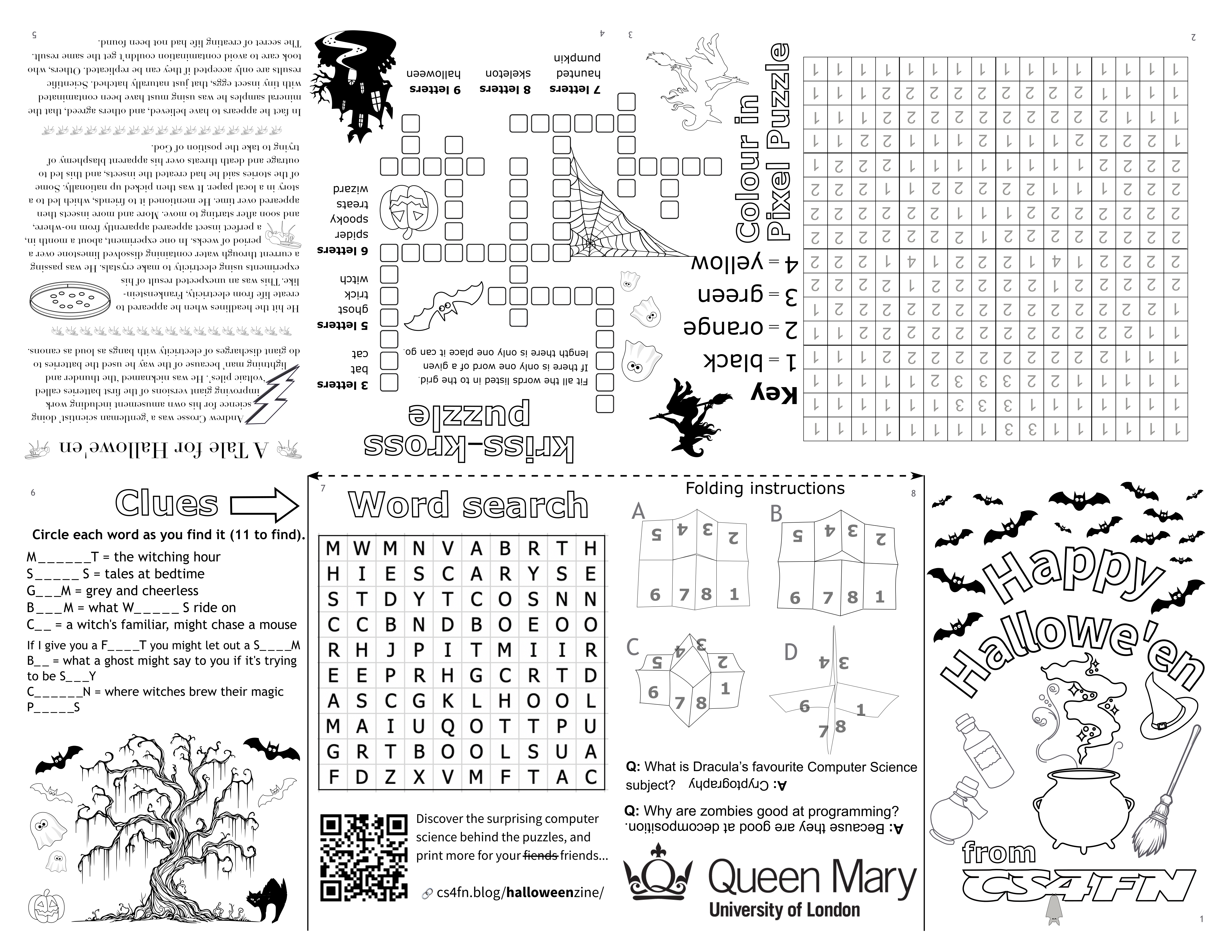
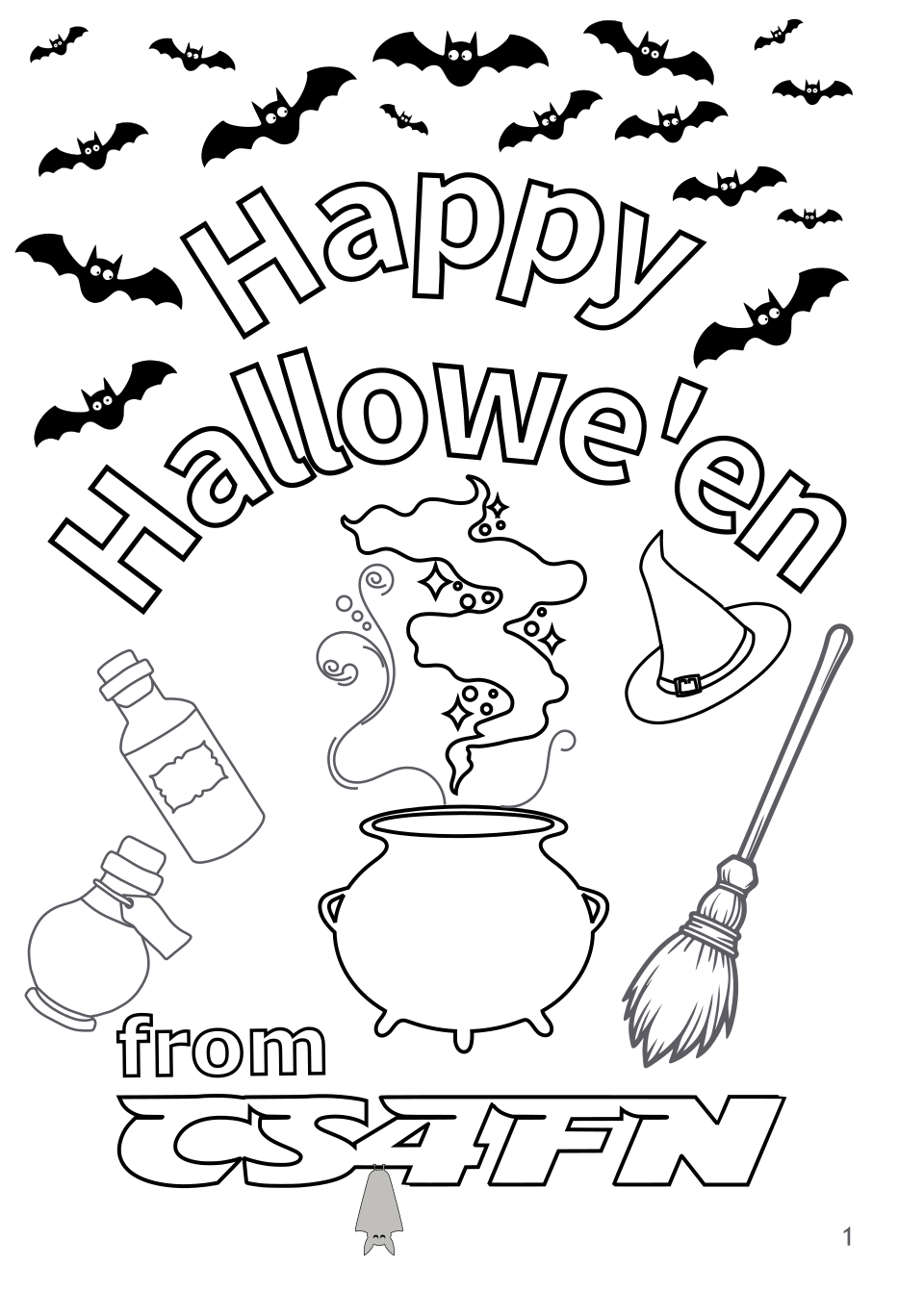
Colour in the pictures and solve the puzzles in our spooky Hallowe’en mini zine. Available in A4 (or US letter size) PDF to print (colour in and solve) then fold into a little booklet. Read on to find out about how there’s a link between the puzzles and computing!

- ⬇️ 📄 Downloads
- Printing advice
- Folding advice
- Computational thinking – optional classroom extras
- Image credits
- Solutions to the puzzles
- Make your own zine
⬇️ 📄 Downloads
📃 PDFs
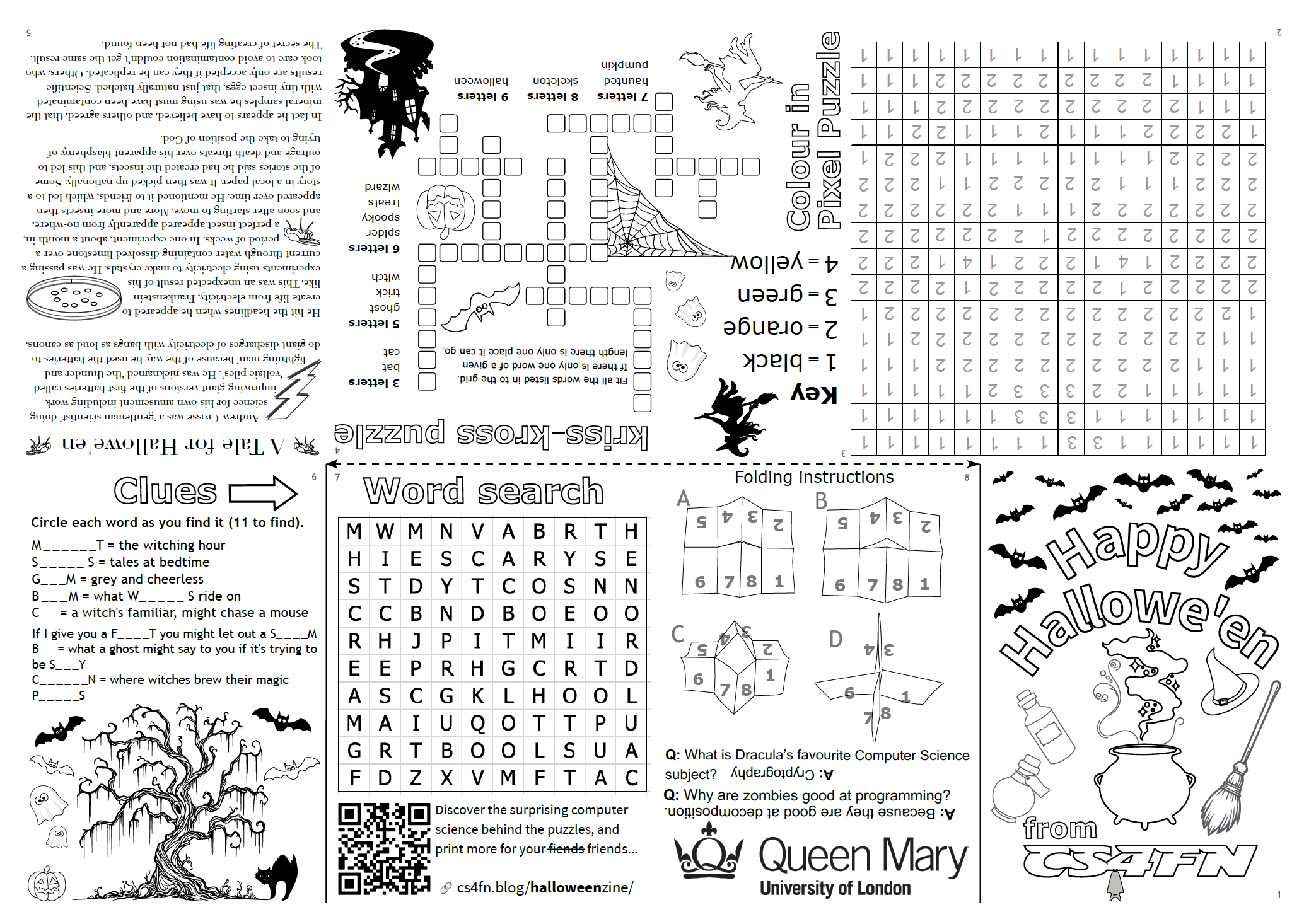
- 🇬🇧 Hallowe’en Spooky Zine UK A4 (PDF) – for UK printers with A4 paper
- 🇺🇸 Hallowe’en Spooky Zine US letter (PDF) – for US printers with US letter sized paper*
🖼 PNGs
These are transparent PNGs with some areas filled in white. Note that the files, when opened in an image viewer, may display as grey (with some white bits). Once the file is imported into Word or PowerPoint etc it will look normal (all white).
- 🇬🇧 Hallowe’en Spooky Zine UK A4 (PNG) – for UK / A4
- 🇺🇸 Hallowe’en Spooky Zine US letter (PNG) – for US
Printing advice
To print the PDF on paper
*(Note that I have only tested the A4 version as I do not have a US printer – please send feedback if the US one isn’t working for you)
The layout is designed with a 5mm gap around the edges to ensure the content is within most printable areas (printers vary!). You can adjust the size of what will appear on the paper from the PDF print dialog but I found, on my printer, that ‘Actual Size’ produced something that folded correctly, with everything lining up nicely.
The dashed line should measure ~14.8cm (half of the longer edge of an A4 sheet). See folding instructions below.
If for some reason the PDFs don’t work for you I have also included the files saved as a PNG (above) for applying to a relevantly sized Word or PowerPoint document.
No printer?
Other than friends, family or colleagues, local printers can print the PDF for you and ensure it’s sized correctly for folding. For example your nearest Ryman can print a single sheet (at time of writing it’s about 30p per page + set up fee of £2.50).
Folding advice
See the on-zine info on one of the segments (page 8) and / or watch this helpful video. Scissors or careful tearing will be needed to make one cut.
Computational thinking – optional classroom extras
The colour-in sheet / zine uses some puzzles from our colour-in pixel puzzles and write-in kriss-kross puzzles collections. They’re fun to do but can also be used to explain some computing science concepts.
Pixel Puzzles
Learn about how images are represented in a computer and practice numbers while enjoying colouring. Also for younger children practice and explore: numeracy, counting, colours and symmetry.
Pixel puzzles turn the ways images are represented as a series of numbers representing pixels into puzzles. They come in various forms from a simple variant of colour-by-numbers to more complex puzzles based on compression where images are represented by fewer numbers so take up less storage – but can you get them back! Each representation needs its own algorithm to follow to get the image back.
More information about the computational thinking and teaching options behind pixel puzzle pictures for teachers and parents – including lots more puzzles to do.
Kriss-Kross Puzzles
Kriss-kross puzzles combine a love of words with a love of logic and pattern-matching. Given a list of words of different lengths, you must fit them all in to the grid. While there are several 5-letter words that could (theoretically) fit into any of the 5-letter spaces on the puzzle, they will be constrained by the order of their letters and how well they fit in with other words. For example there is only one space on the puzzle where the 8-letter word skeleton and the 9-letter word Halloween can go, which will constrain where the other words can go.
Also for younger children practice and explore: numeracy, counting, writing letters, phonics and spelling.
More information for teachers and parents – including lots more puzzles to do.
Word searches
You can use any Word Search to teach about search algorithms, linear search, algorithmic thinking and computational thinking. The one in the sheet above is fairly simple and probably won’t be too taxing in terms of strategies but we have some larger ones here: more information for teachers and parents.
Image credits
Layout and image editing done in Inkscape by Jo Brodie. Inkscape is a free, open-source vector program with lots of helpful YouTube instructional videos.
Page 1
- Bats – adapted from bat silhouette image by Eva Schmidseder from Pixabay
- Potion bottles – adapted from Hallowe’en images by Parker_West from Pixabay
- Cauldron – adapted from cauldron magic image by brosimoff from Pixabay
- Witch’s hat – adapted from witch’s hat image by Clker-Free-Vector-Images from Pixabay
- Broomstick – broomstick image by Books Sun from Pixabay
- Roosting bat – adapted from bat image by Gordon Johnson from Pixabay
Page 2
- Pixel Puzzle – adapted from puzzle by Paul Curzon (from our Hallowe’en puzzles page)
Page 3
- Witch – adapted from flying witch image by Gordon Johnson from Pixabay
- Ghosts – adapted from spooky ghost image by Clker-Free-Vector-Images from Pixabay
- Spider’s web – adapted from spider’s web image by Eva Schmidseder from Pixabay
Page 4
- Kriss Kross puzzle by Paul Curzon, from our Hallowe’en puzzles page
- Bat – adapted from bat silhouette image by Eva Schmidseder from Pixabay
- Pumpkin – adapted from grimacing pumpkins image by Eva Schmidseder from Pixabay – see also our Program A Pumpkin that uses the same series of images.
- Haunted house – adapted from Halloween spooky images by Mun Soo from Pixabay
Page 5
- Story (A storm in a bell jar) by Paul Curzon, adapted, from our Hallowe’en puzzles page
- Lightning bolt – adapted from lighting bolt image by Clker-Free-Vector-Images from Pixabay
- Petri dish – adapted from petri dish image by Clker-Free-Vector-Images from Pixabay
- Flies – adapted (traced on Inkscape) from a photograph of a fruit fly (Drosophila melanogaster) by Sanjay ach on Wikipeda.
Page 6
- Words and clues for word search by Jo Brodie
- Bats – adapted from bat silhouette image by Eva Schmidseder from Pixabay
- Ghosts – adapted from spooky ghost image by Clker-Free-Vector-Images from Pixabay
- Pumpkin – adapted from grimacing pumpkins image by Eva Schmidseder from Pixabay – see also our Program A Pumpkin that uses the same series of images.
- Tree – adapted from cute tree image by Books Sun from Pixabay
- Cat – adapted from black cat image by Clker-Free-Vector-Images from Pixabay
Page 7
- Word search by Jo Brodie, QR code by Inkscape’s render tool
Page 8
- Folding instructions cartoons by Jo Brodie (photographed then traced in Inkscape), jokes from our Hallowe’en puzzles page, QMUL logo from QMUL!
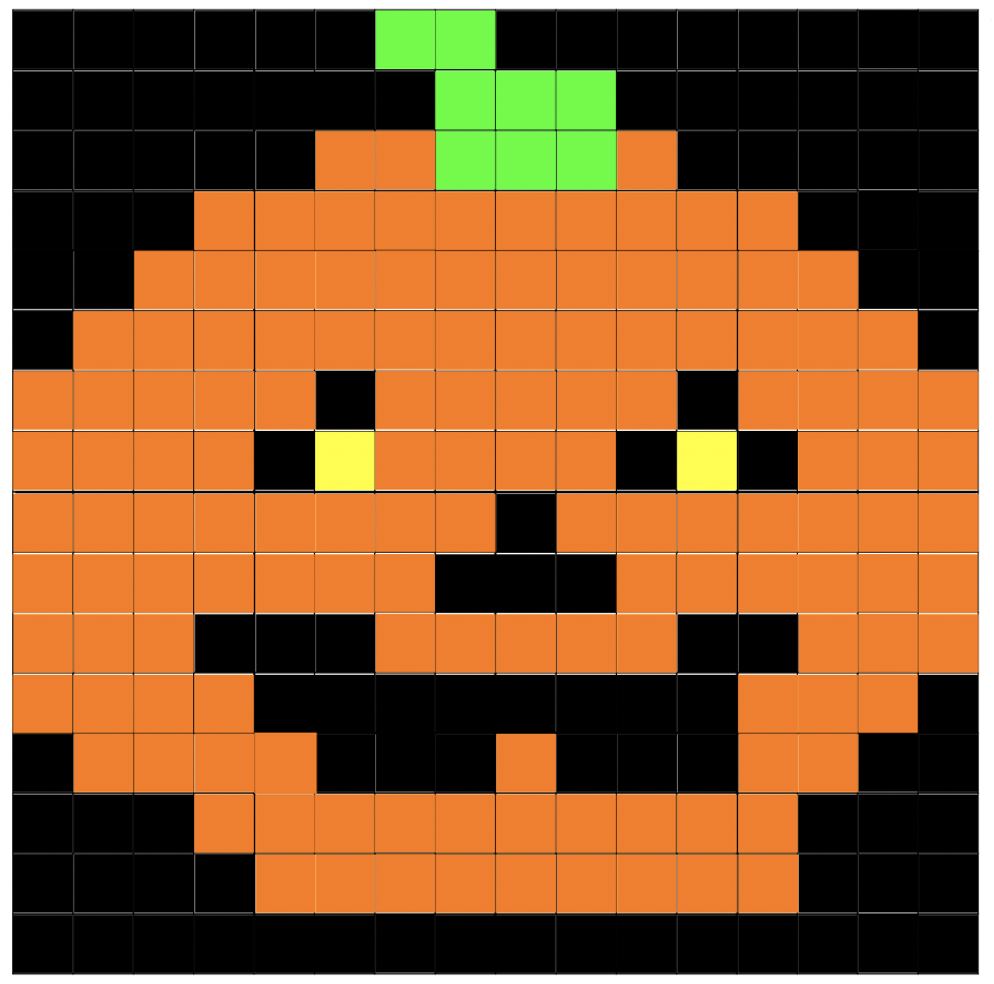
Solutions to the puzzles
Click each picture to enlarge.


Make your own zine
Download this zip containing Inkscape SVG templates (let me know if you need a plain SVG but remember Inkscape is free to download) for A4 and US Letter sized pieces of paper, with guidemarks in place to help you line stuff up.
Remember that…
- images and text on the top pages (2, 3, 4 and 5) need to be pasted upside down.
- Because there’s a 5mm margin all the way around the two panels on the left and on the right are slightly narrower than the ones in the middle. Items on pages 3-4, 5-6 and 7-8 can overlap the guideline as they will open flat but keep the dividing line between 8 and 1 and 2 and 3 clear.
I have tested the UK one but not the US one (as I don’t have a US printer) so feedback welcomed.
Subscribe to be notified whenever we publish a new post to the CS4FN blog.
 cs4fn
cs4fn