Worksheets and solutions
This is the page where people can download activities, puzzles and solutions. Here is the page for accompanying teachers’ material.
Arecibo Pixel Puzzle – planets and telescope
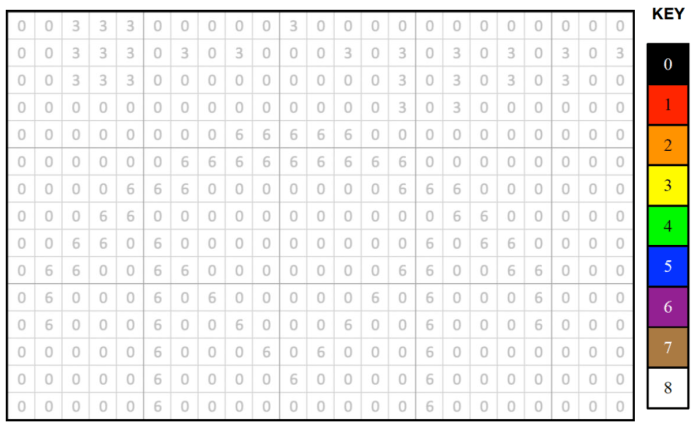
Arecibo Message – quiz

Compression Run Length Encoding

Using frequency / data pairs you’ll recreate a portion of the Arecibo Message in colour, then encode the same portion in binary. You can recreate the image on squared paper or use the Excel sheet.
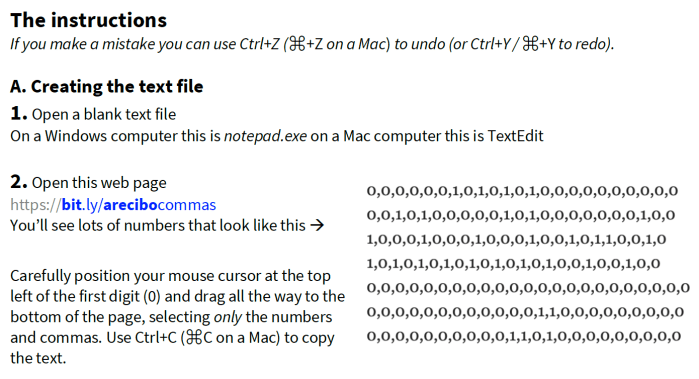
You’ll create a comma separated variable file (of 1s and 0s) and import the data into Excel, then bring out the image by using Find and Replace to alter the 1s and 0s. [Instructions]
Reach for the stars

You’ll need to listen to some of the Sound files to complete this activity.
Make a picture come to life with Excel
You’ll create a comma separated variable file (of 1s and 0s) and import the data into Excel, then bring out the image by using Find and Replace to alter the 1s and 0s. [Instructions]
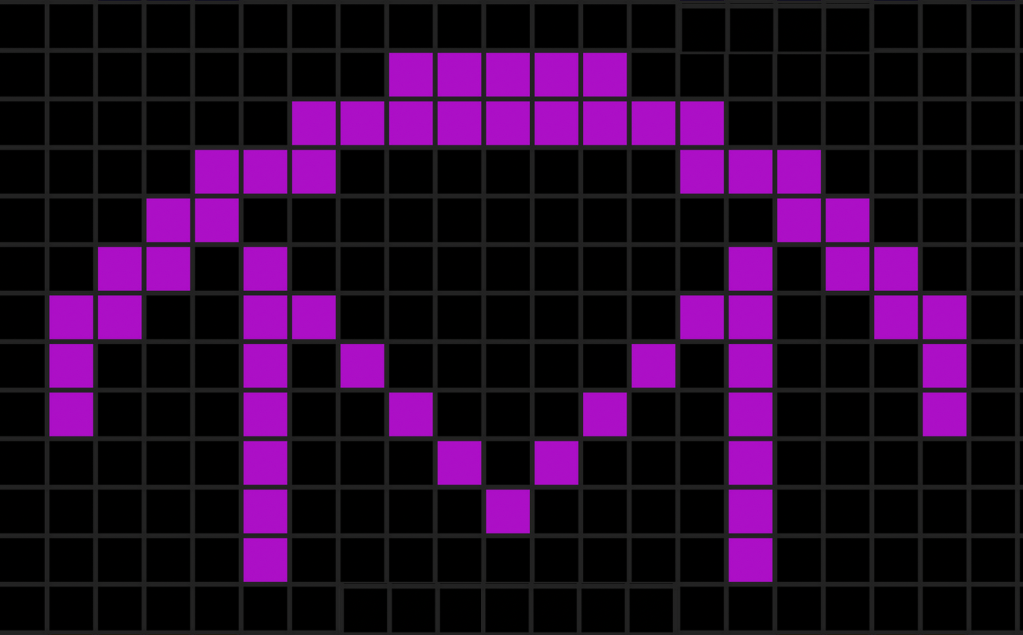
The Arecibo Message pages
Supported by Queen Mary University of London’s Centre for Public Engagement.

Admin only: edit this page
 cs4fn
cs4fn 